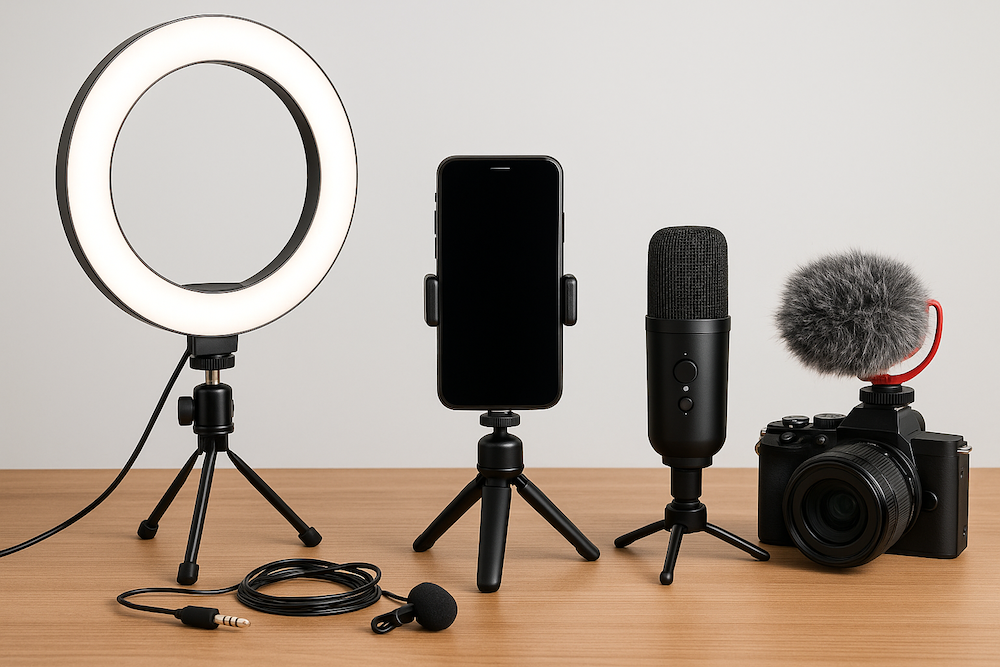
Starting a YouTube channel doesn’t have to drain your wallet. With the right budget-friendly equipment, you can create videos that look professional, sound great, and keep viewers engaged—all without breaking the bank. Here’s a complete low-cost setup guide to help you get started.
🎥 Camera (or Alternatives)
You don’t need a fancy DSLR to make good videos. In fact, many creators start with what they already own.
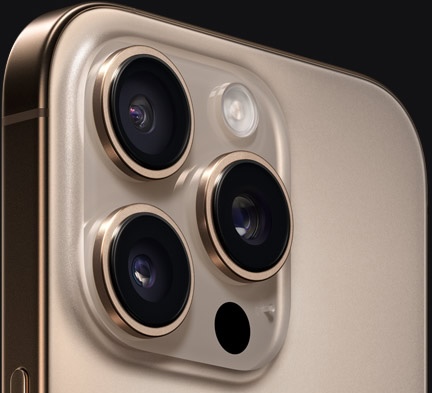
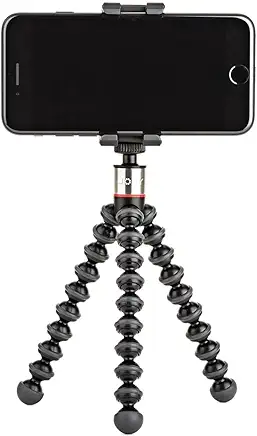
Smartphone Camera – Most modern iPhones and Android devices shoot in 1080p or even 4K. Pair it with a tripod, and you’re ready to go.
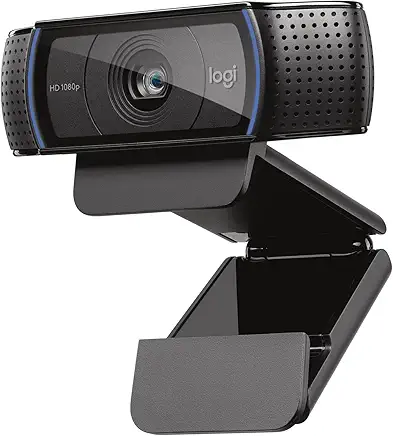
Budget Webcam – If you record at your desk, the Logitech C920 (~$50–$70) is a reliable and affordable option.
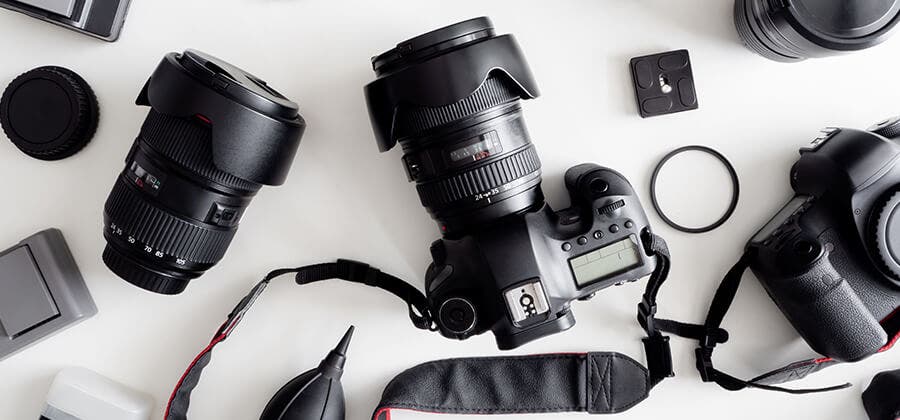
Entry-Level Mirrorless (Optional Upgrade) – If you want to invest later, cameras like the Canon EOS M50 or Sony ZV-E10 (~$500 with kit lens) offer cinematic quality.
🎤 Audio (Most Important!)
If you have to choose between better video or better audio—always pick audio. Viewers are more forgiving of average visuals than poor sound.
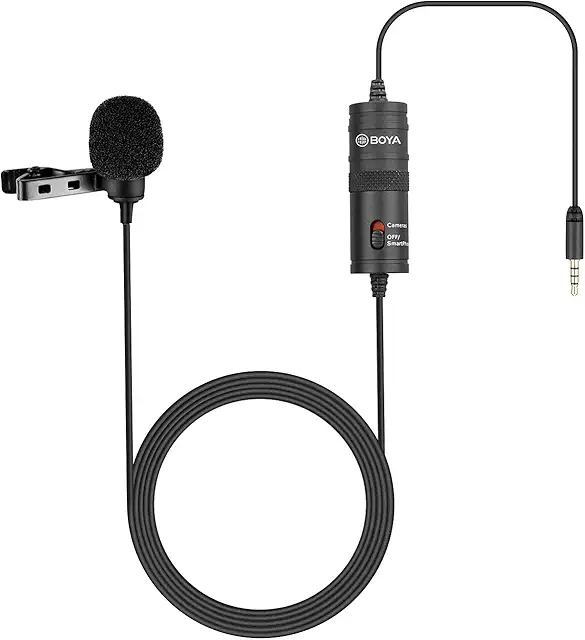
Lavalier Mic – Boya BY-M1 (~$20), clips to your shirt and plugs directly into your phone or camera.
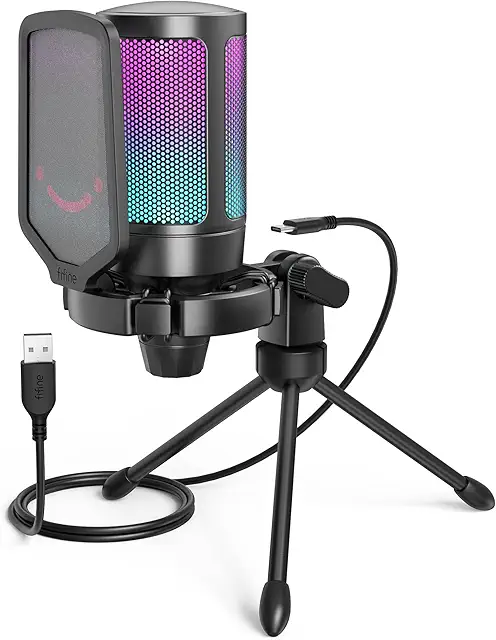
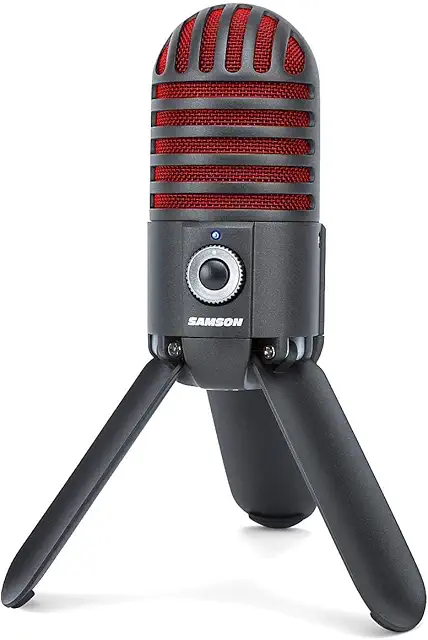
USB Mic – Fifine K669B ($30) or Samson Meteor ($50) are great for desktop recording.
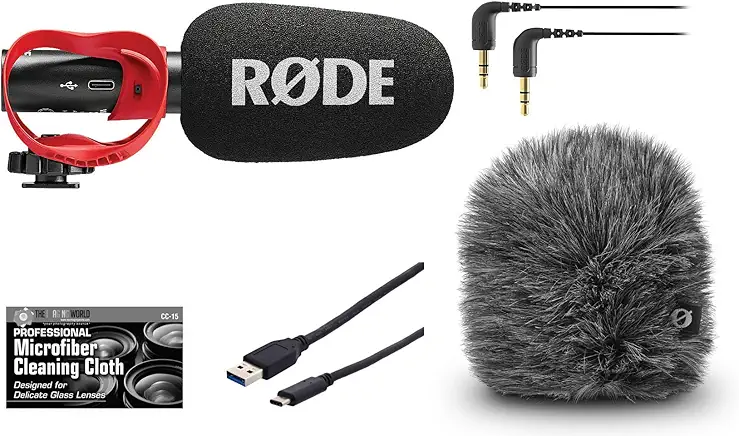
Shotgun Mic – Rode VideoMicro (~$60) works well if you record a bit farther from the camera.
💡 Lighting
Good lighting makes any camera look better. Even a smartphone shines with the right light.
Ring Light – Neewer 10” or UBeesize (~$20–$40) are compact and versatile.
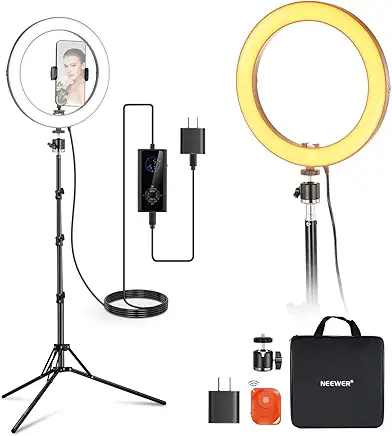
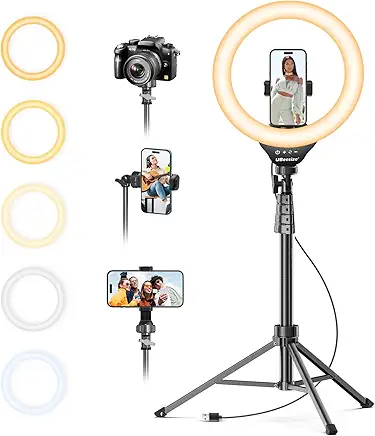
Softbox Kit – Two softboxes (~$60–$80) give a soft, studio-style look.
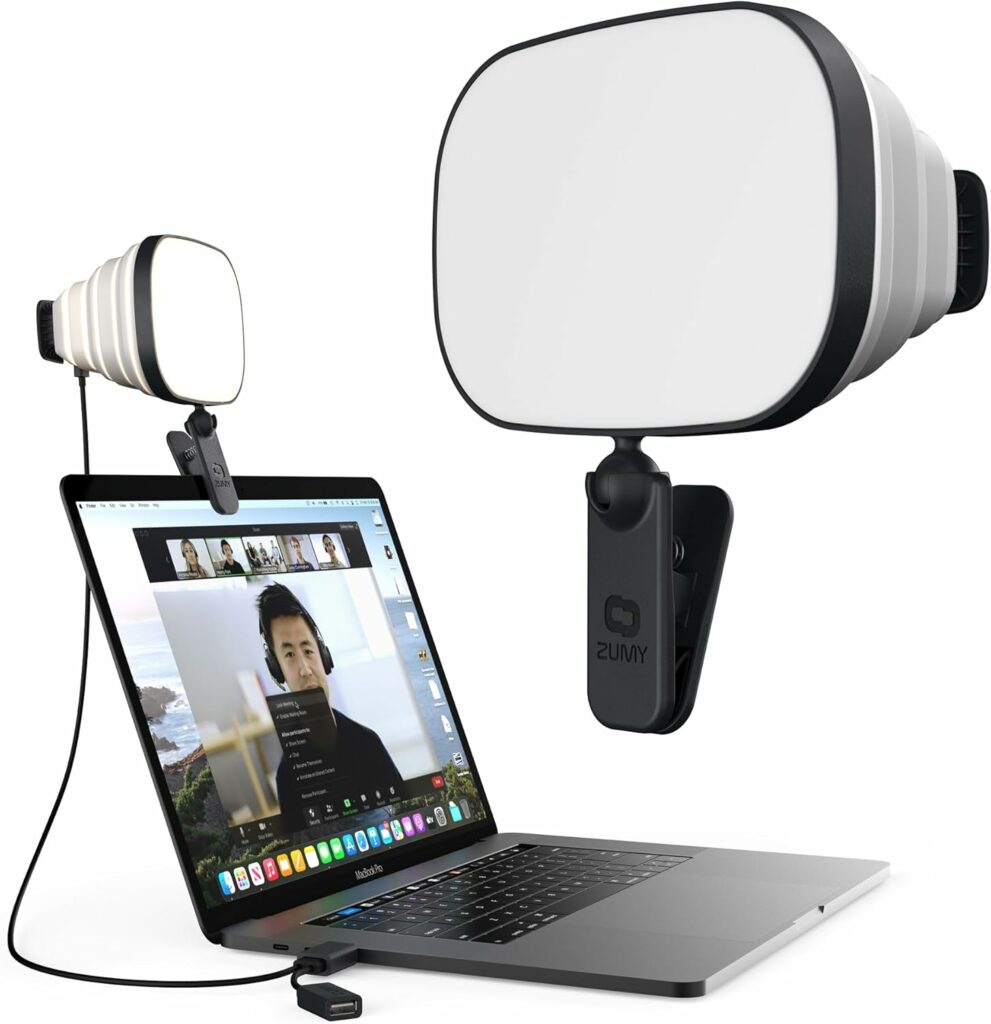
Natural Light – Shooting near a window during the day is the cheapest option.
🎬 Accessories
Small accessories make your workflow smoother and your videos more professional.
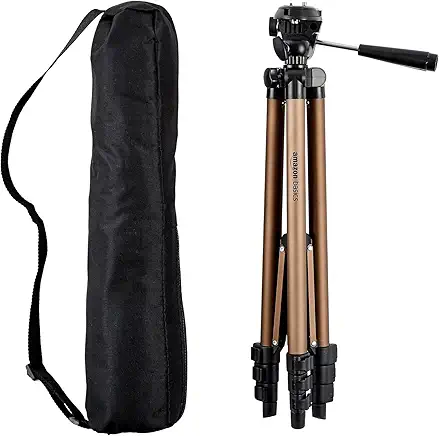
Tripod – AmazonBasics 50” tripod (~$20) keeps your shots steady.
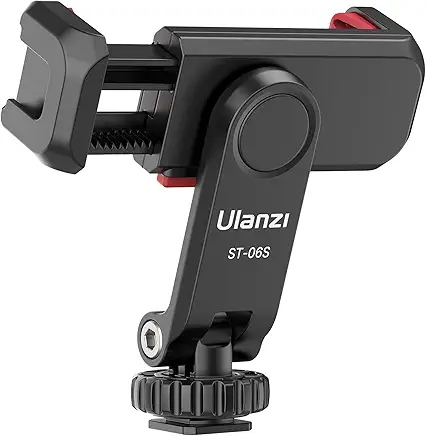
Phone Mount / Flexible Arm – Ulanzi or Joby GorillaPod (~$15–$30) for vlogs or tight spaces.
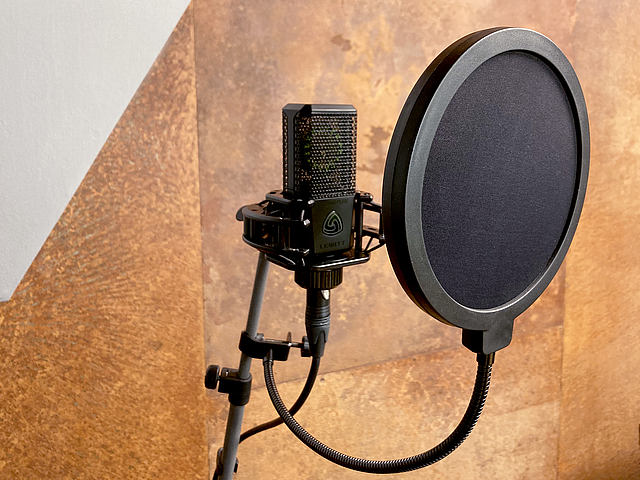
Pop Filter / Foam Cover – Reduces harsh sounds and improves audio quality (~$10).
🖥️ Editing Software
Editing is where your video comes alive. Thankfully, there are free tools that are powerful enough for beginners and pros alike.
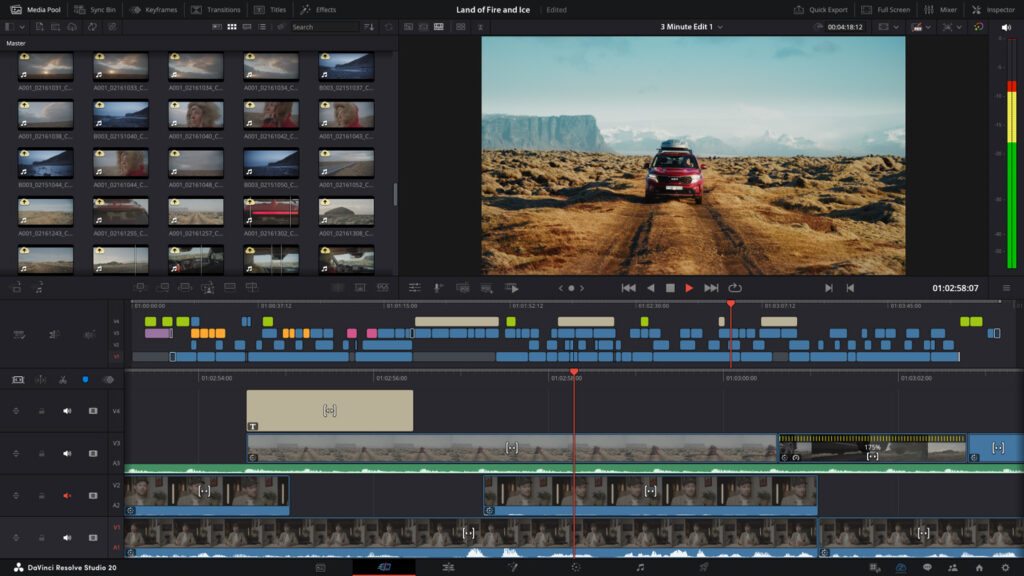
DaVinci Resolve – Professional-level editing software with a robust free version.
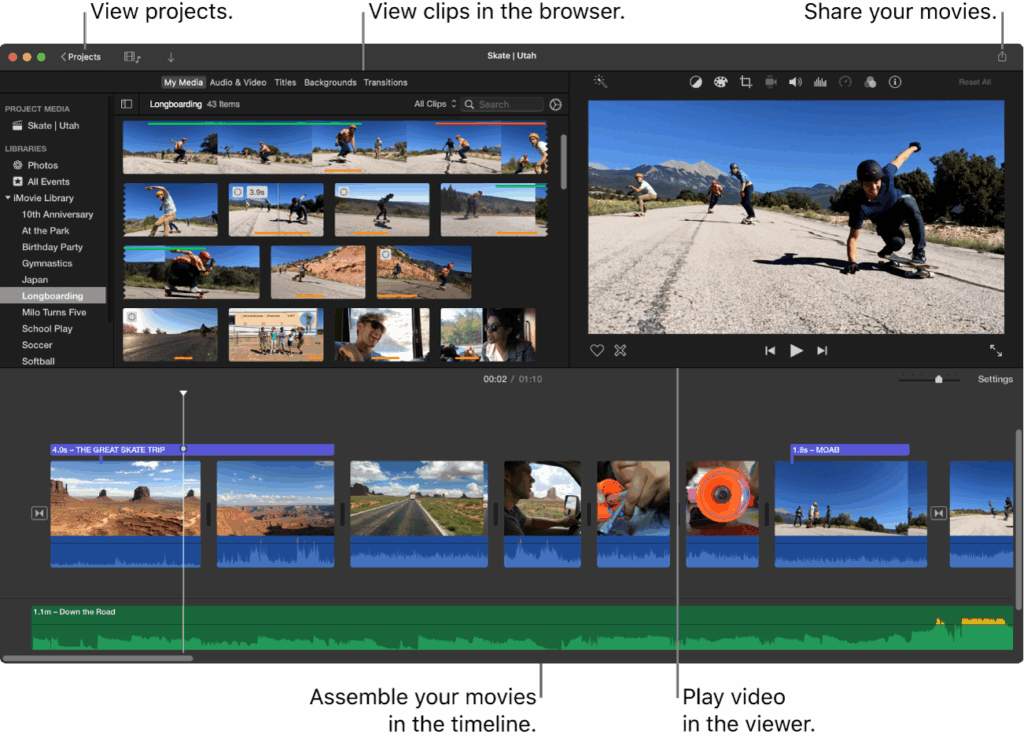
iMovie (Mac only) – Simple and intuitive for beginners.
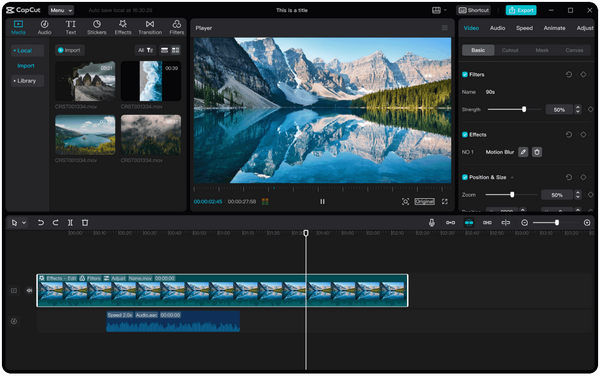
CapCut – Free, beginner-friendly, and available on both desktop and mobile.
💰 Sample Budget Setup (≈$100–$150)
Here’s a realistic starter setup:
- Smartphone (already owned)
- Boya BY-M1 Lavalier Mic ($20)
- Ring Light with tripod ($30)
- DaVinci Resolve (free)
This combo gives you clear video, crisp audio, and good lighting—everything you need to launch your channel without overspending.
✅ Final Thoughts
You don’t need to invest thousands of dollars to start on YouTube. Begin with the gear you have, upgrade strategically, and focus on making valuable content. Remember: great storytelling and consistency always matter more than expensive equipment.